Download
Chat from your phone, train from your desktop. Everything syncs automatically.
Free · 32 MB · Android 6.0+
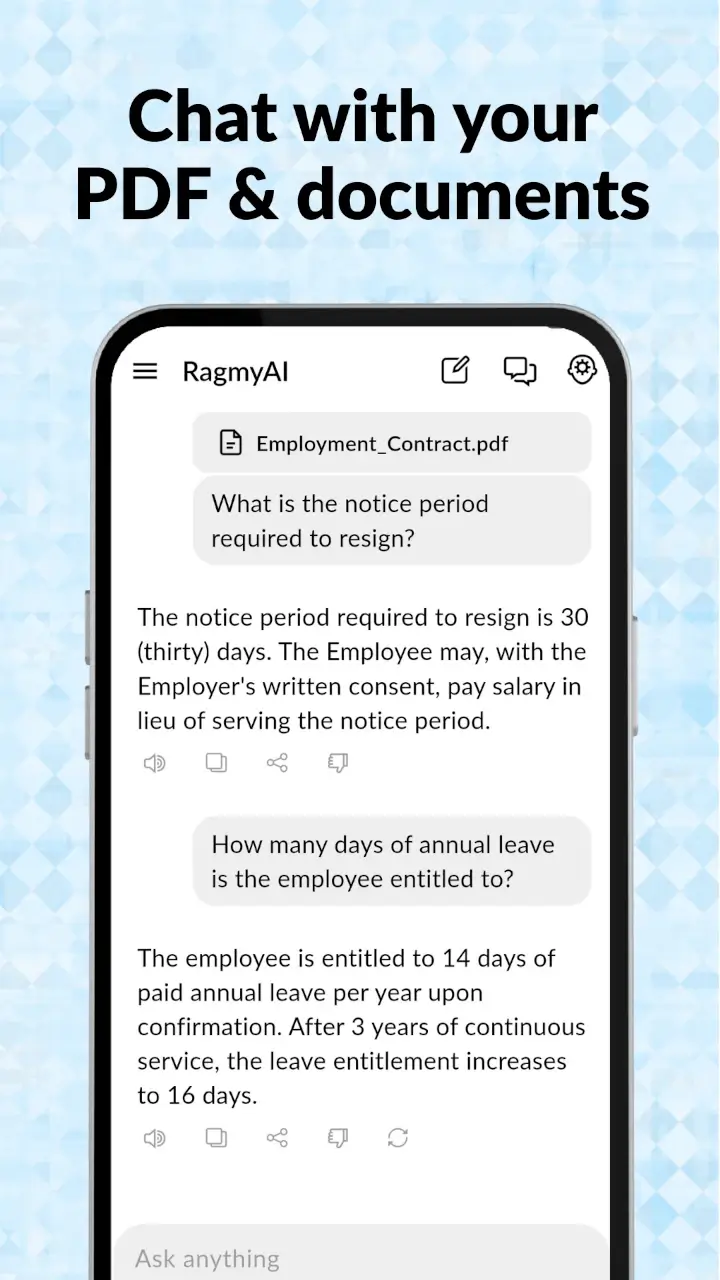
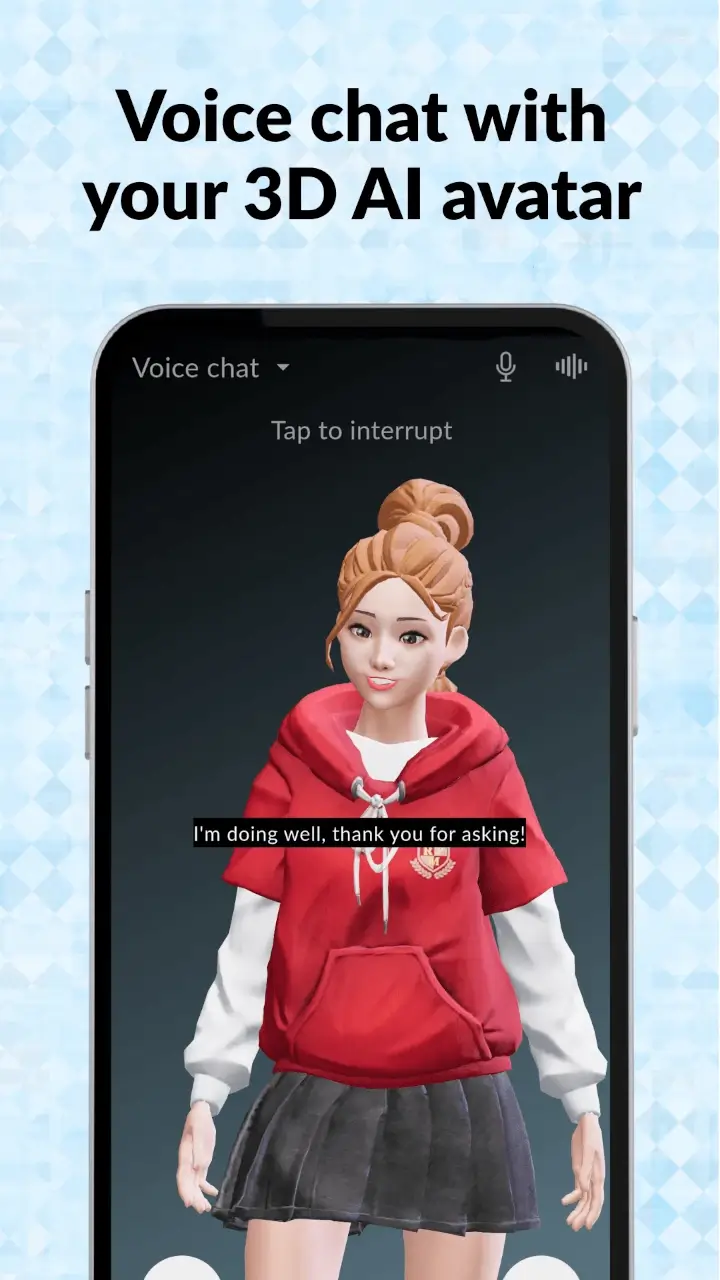
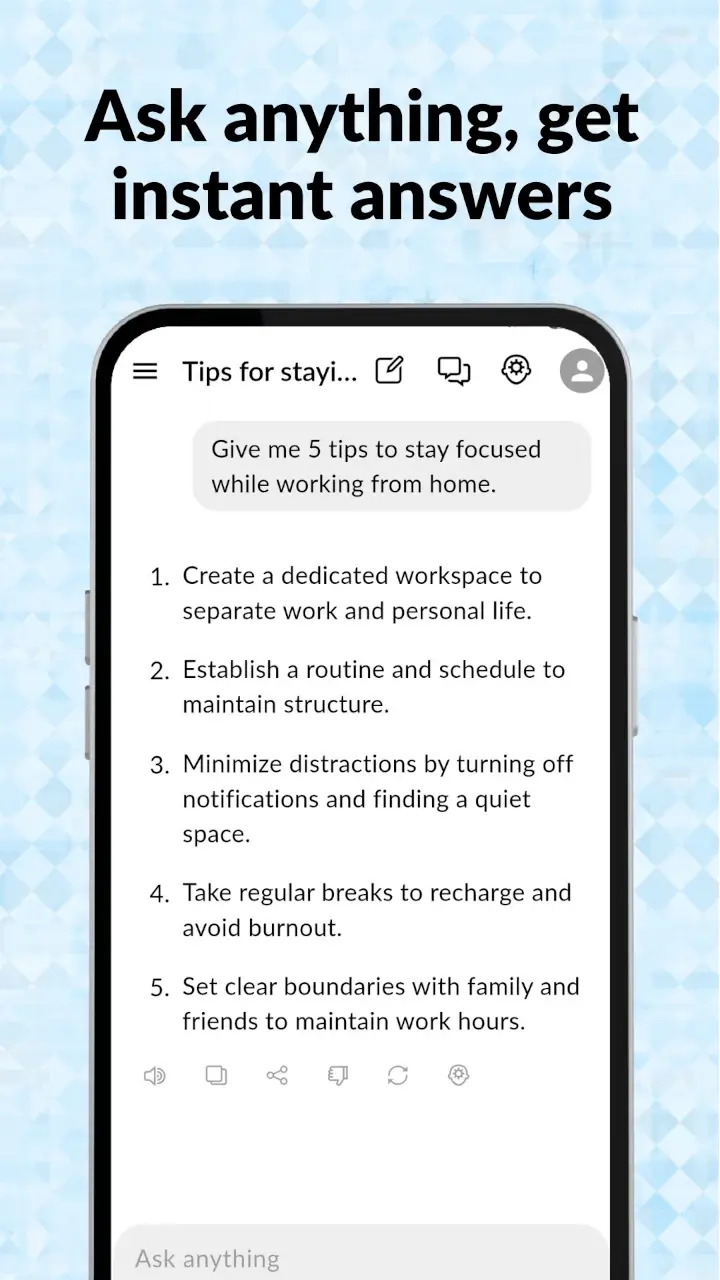
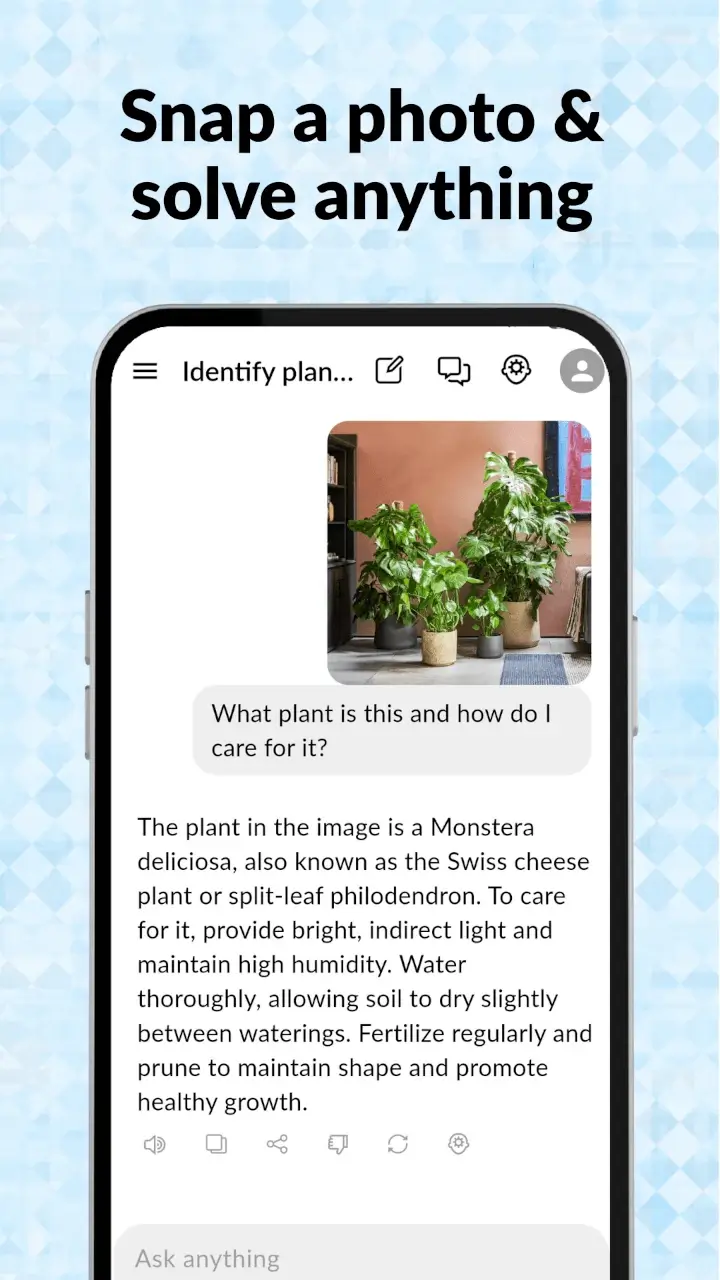
The full RagmyAI experience, designed for one-handed phone use. Voice chat, camera input, offline-friendly history.

Scan to download
No download · Any browser
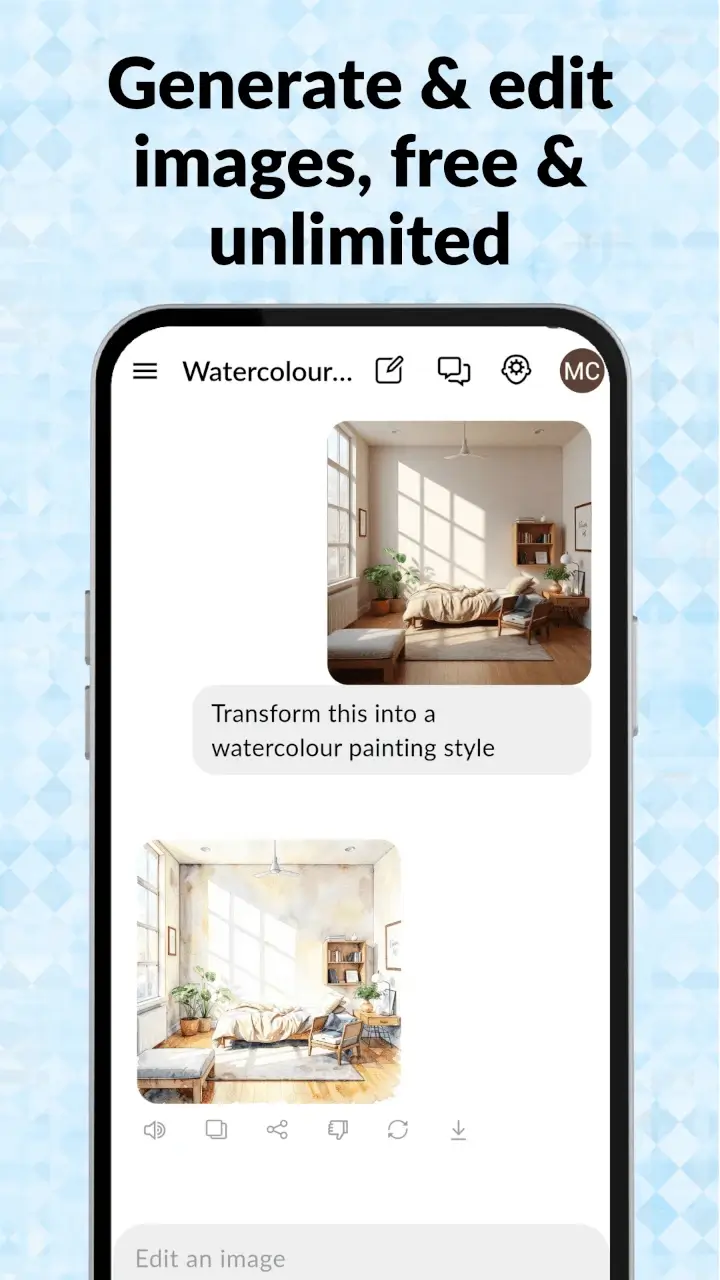
Bigger screen, faster typing. Best for training, admin and image generation.

Scan to open
iOS — coming soon. Get notified.
Why two apps?
Most AI tools force you into one form factor. RagmyAI runs the same account across both, with each surface designed for what it does best.
The Android app is built for moments — a question while you're walking, a photo of a textbook problem, a quick voice chat in your car. It's small (32 MB), requires Android 6.0 or later, and works the way thumbs work: single-handed, big tap targets, voice-first.
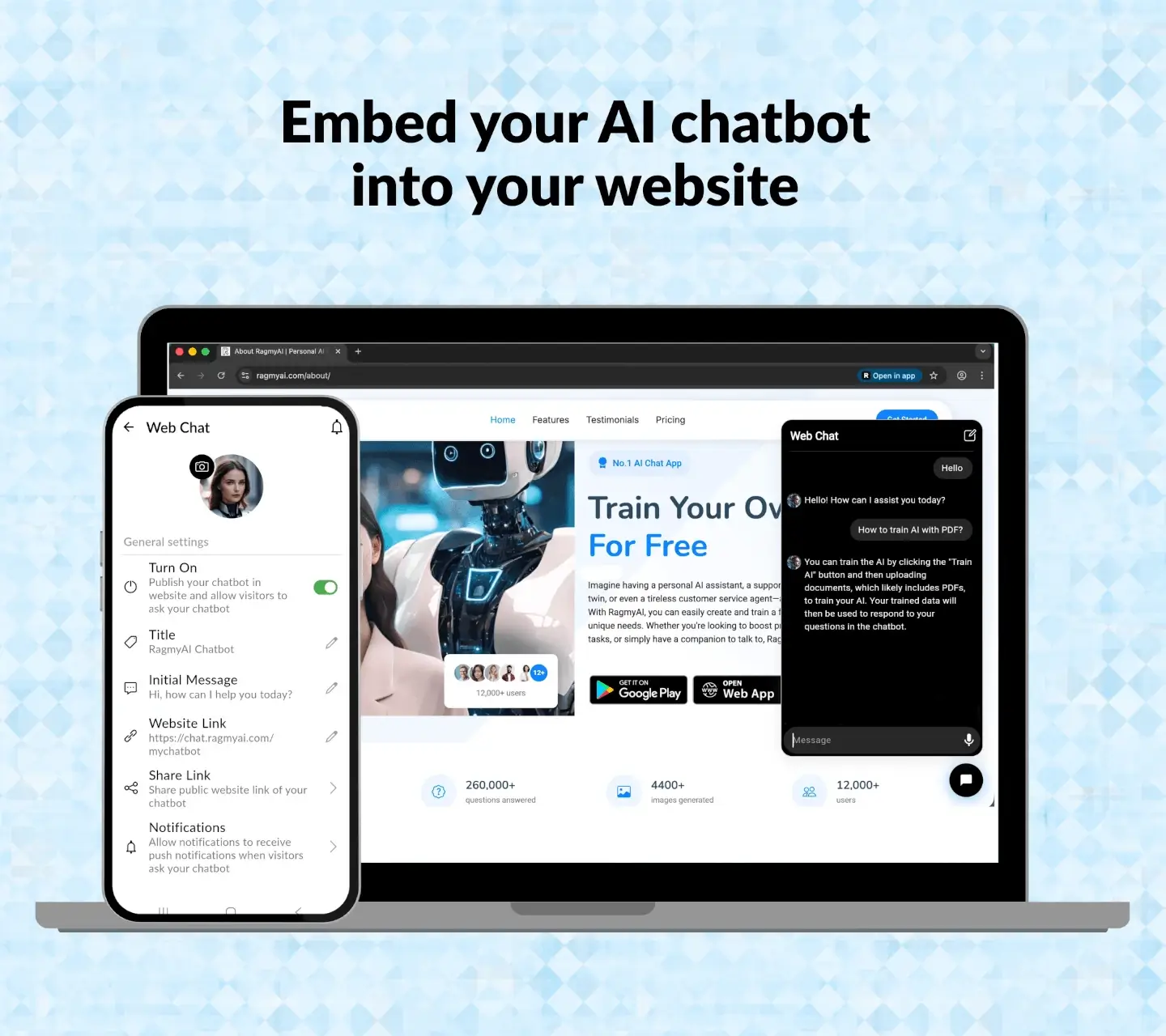
The web app is built for sessions — uploading a folder of PDFs, configuring an embeddable chatbot for your website, generating fifty images for a project, switching between AI models. It runs in any modern browser on any computer. No install, no admin permissions, no version mismatches with your phone.
Your chats, trained AI, voice profiles, and image history sync automatically between the two. Start a conversation on your desktop, finish it on your phone. Train an AI on your laptop, embed it on your website, then chat with it from anywhere.
What's inside
System requirements
What you get for free
No credit card. No 7-day clock. No "free until you hit the limit" surprise. The free plan is a real product with real limits you'll only notice if you push hard.
See the full breakdown on the pricing page.
Getting started
No setup wizard. No "tell us about your team" form. You install, you sign in, you upload a document, you chat.
Android install takes about 30 seconds on a typical connection. The web app loads instantly — no install needed.
One tap with Google or Facebook, or phone or email with OTP. No payment info, no credit card.
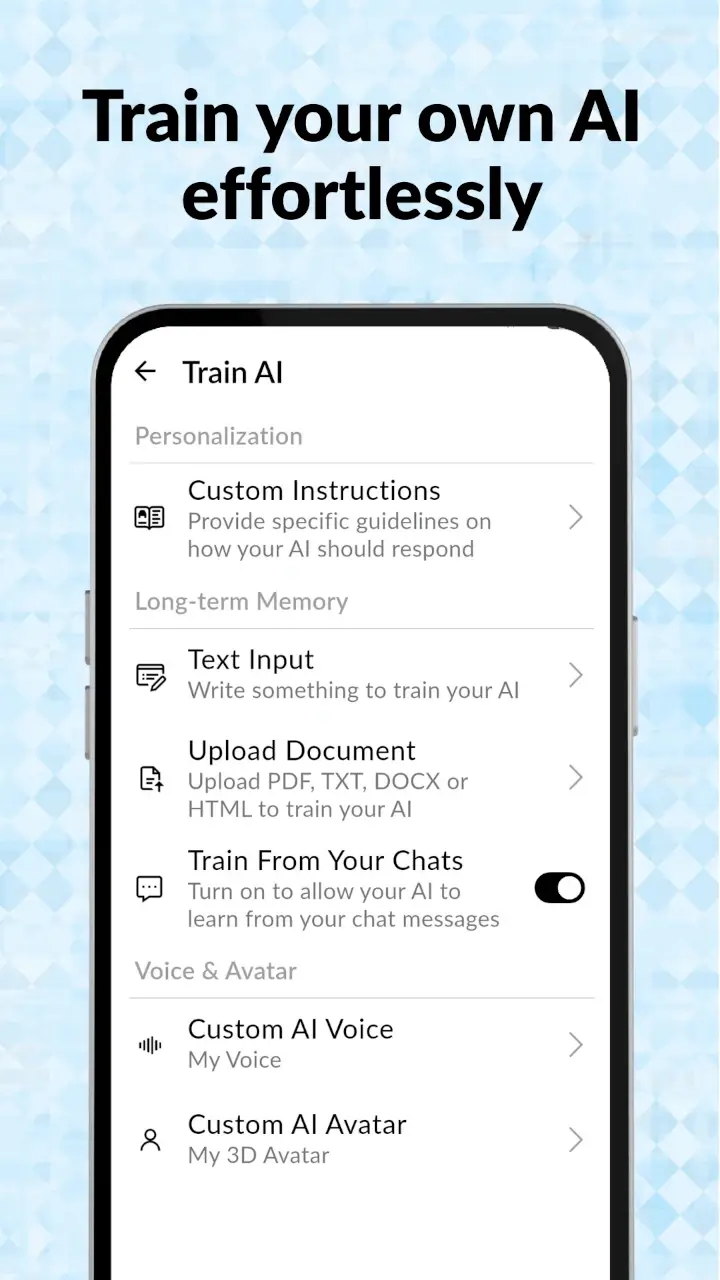
Drop in a PDF, Word doc, text file, or paste raw text. Training takes about 60 seconds for a typical document.
Type or talk. The AI answers from your document, and refuses to invent things it doesn't know.
Before you install
Really free. The free plan includes unlimited chat with Llama 4 Scout and Gemma 4, unlimited image generation, document training, voice cloning, and embedded chatbot. We make money from the optional Pro upgrade (USD 4.99/mo) for users who want GPT-4o mini, Gemini 2.5 Flash, and higher document training limits.
No. Your uploaded documents are used only to power your own chatbot. We don't use your content to train any underlying language model. Full details are in our privacy policy.
iOS is in development. In the meantime, the web app works in Safari on iPhone and iPad — including voice mode and camera input. Add it to your home screen for an app-like experience.
The Android app keeps your past chats viewable offline, but new messages need an internet connection — the AI itself runs on our servers, not your device. This is what makes the app stay small (32 MB) and your phone stay cool.
Uninstall and you're done — no account cancellation, no subscription to manage, no follow-up emails. If you want to delete your account too, it's one tap in settings.