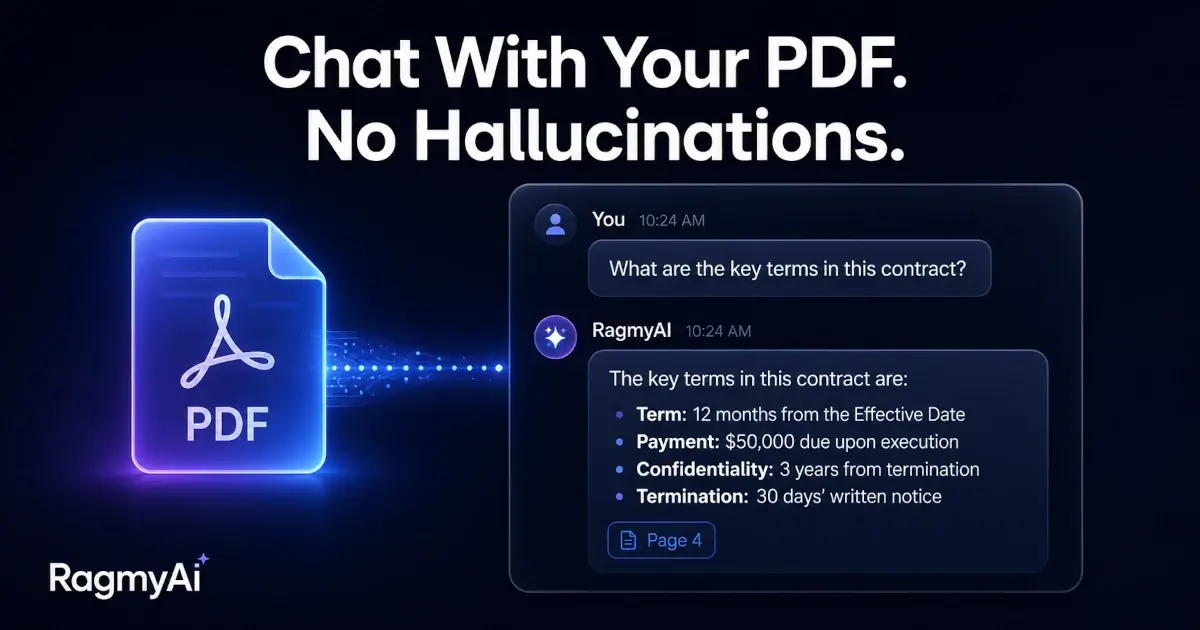
Most chatbots have one trick: they predict the next word based on everything they've ever read on the open internet. That's powerful when the question is about something general — "explain photosynthesis" — and useless when the question is specific to you. "What did our Q3 report say about renewals?" The internet doesn't know. The model doesn't know. So it guesses. We call this a hallucination.
RAG — retrieval-augmented generation — is the fix. It's also one of the most over-hyped phrases in AI. So we're going to walk through it slowly, in plain language, with no math.
The shape of the problem
Imagine a brilliant friend who has read every book in the public library. Ask them anything in the library's collection and they'll give you a confident, often correct answer. Now ask them about your diary. They've never seen it. But because they're so used to having an answer, they make one up that sounds like your diary.
That's a base language model.
To fix the diary problem, you'd hand them the diary first, point at the relevant page, and then ask the question. Now they have something to ground their answer in.
That, in a sentence, is RAG.
"You don't fine-tune the friend. You hand them the right pages, in the right order, at the right moment."
How RagmyAI does it
When you upload a PDF to RagmyAI, four things happen — fast enough that you'd never see them, but worth understanding:
1. Chunking
We split your document into passages of roughly 500 words each. Not by page boundary — by meaning. A chunk that ends mid-sentence is a chunk that won't be retrievable later, so we break at paragraph ends, headings, and natural pauses.
2. Embedding
Each chunk is converted into a numerical fingerprint — a long list of numbers that represents what the chunk is about. Chunks about photosynthesis end up with fingerprints near each other in this number-space. Chunks about Spanish grammar end up far away.
3. Retrieval
When you ask a question, your question gets the same fingerprint treatment. We then find the chunks whose fingerprints are closest to your question's fingerprint. Those are the chunks most likely to contain the answer.
4. Generation
We hand those chunks to the language model along with your question. The model now has source material to ground its answer in. If no chunk is relevant, we tell the model to say so rather than make something up.
Why this matters for trust
The thing that breaks trust in AI products isn't bad answers — it's confident bad answers. A model that says "I don't know" is annoying. A model that says "your Q3 renewals were 87%" when they were 91% is dangerous.
RAG doesn't eliminate hallucinations. Nothing does, fully. But it turns the problem from "the model invented an answer" into "we showed the model the wrong page" — which is a debuggable problem, with citations to verify against.
What to upload
Some rules of thumb after watching thousands of RagmyAI users:
- Smaller is sharper. A focused 30-page brief gets better answers than a sprawling 600-page handbook. If you must upload the handbook, ask narrow questions.
- Structure helps. Documents with real headings retrieve better than walls of text. Most word processors handle this for you.
- Skip the scanned PDFs if you can. Our OCR is good, but a native PDF is always cleaner. Re-export from Word or Pages if you have the option.
- Re-upload when things change. RagmyAI doesn't auto-detect when your source documents are updated. If you've revised the doc, re-upload it.
The one line of code, if you're a developer
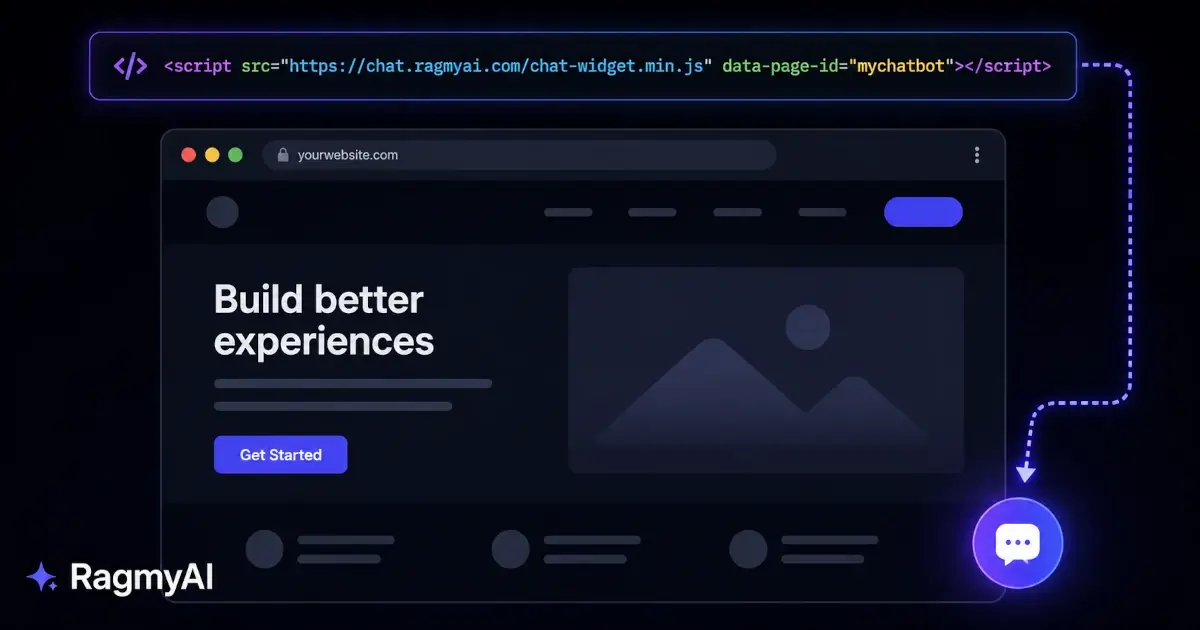
You don't need this — the app does it for you. But if you're embedding the trained chatbot on your own site, the entire integration is:
<script src="https://chat.ragmyai.com/chat-widget.min.js"
        data-page-id="your-chatbot-id">
</script>
That's it. A floating launcher appears in the bottom-right. Visitors click it, ask questions, get grounded answers from the documents you trained on.
If any of that sounds useful — or if you've got a use case we haven't thought of — drop us a line at support@ragmyai.com. We answer every email.
Comparing options? Our free Chatbase alternative guide covers how RagmyAI differs on pricing, limits, and features.