Why people look for Chatbase alternatives
Chatbase does one thing well: you upload documents, it builds a chatbot, and you embed it on your site. For a lot of people that's exactly what they need. The problem is the pricing.
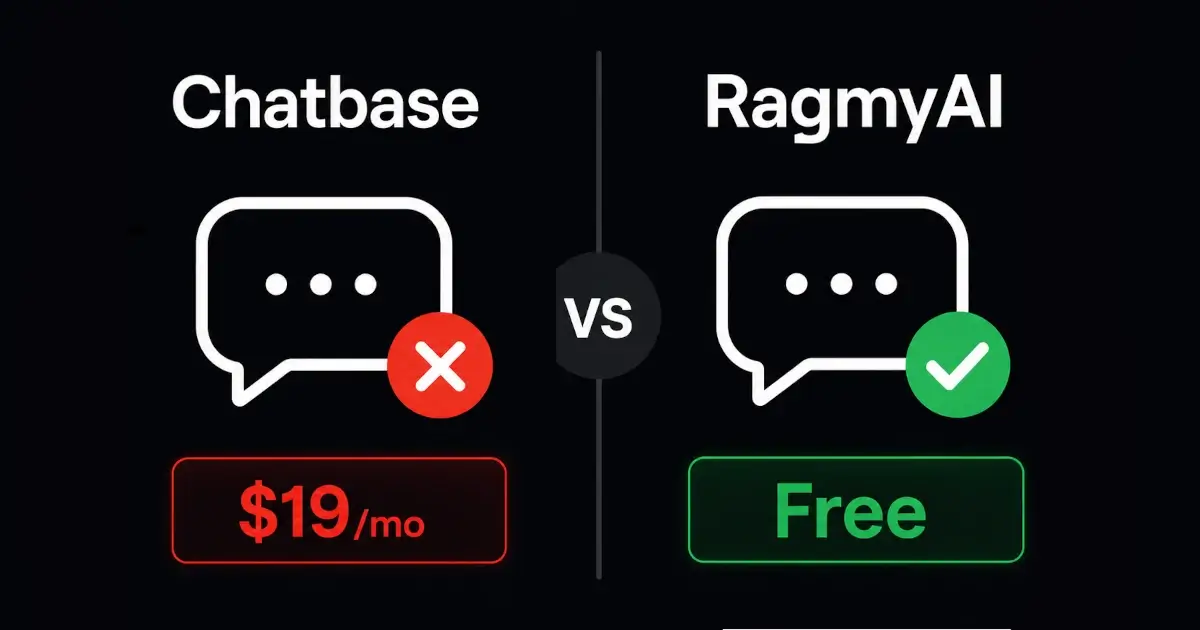
The free plan gives you 50 message credits per month, one AI agent, and 1 MB of training content, and free-plan agents are deleted after 14 days of inactivity. That's not enough for anything beyond a demo. The Hobby plan ($40/month) bumps it to 700 message credits. The Standard plan ($150/month) gets you 4,000, and Pro ($500/month) gets you 15,000 (Chatbase pricing as of October 2026). If you're building a chatbot for a small business or a personal project, you're paying a meaningful amount before you've validated anything.
The other thing people run into: Chatbase is web-only. There's no mobile app. Voice and telephony are only available on its $150/month Standard plan and above, and it doesn't offer image generation or a 3D avatar — it's built mainly as a business chat and support tool.
What to look for in an alternative
The core features that make Chatbase useful are: training on your own documents, an embeddable chat widget, and some control over how the bot responds. Any alternative worth switching to needs to do these three things well. Everything else — pricing, extra features, mobile support — is what differentiates them.
RagmyAI — the best free Chatbase alternative
RagmyAI covers all three core features and adds several things Chatbase doesn't have, all on a free plan with no credit card required.
Document training
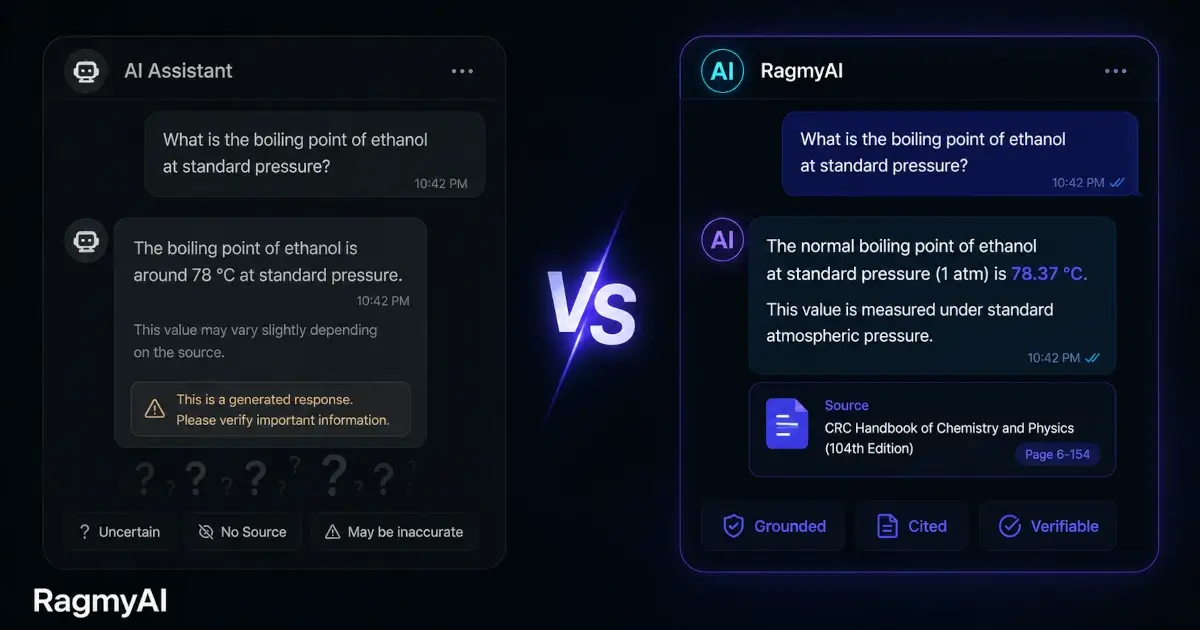
Upload PDFs, Word documents, text files, or HTML pages. You can also add custom instructions in plain text — useful for setting the bot's tone, limiting what it talks about, or giving it a persona. Training takes under 60 seconds for most documents. The AI answers strictly from what you uploaded, not from the open internet, which means no hallucinated answers from random sources.
Embeddable chat widget
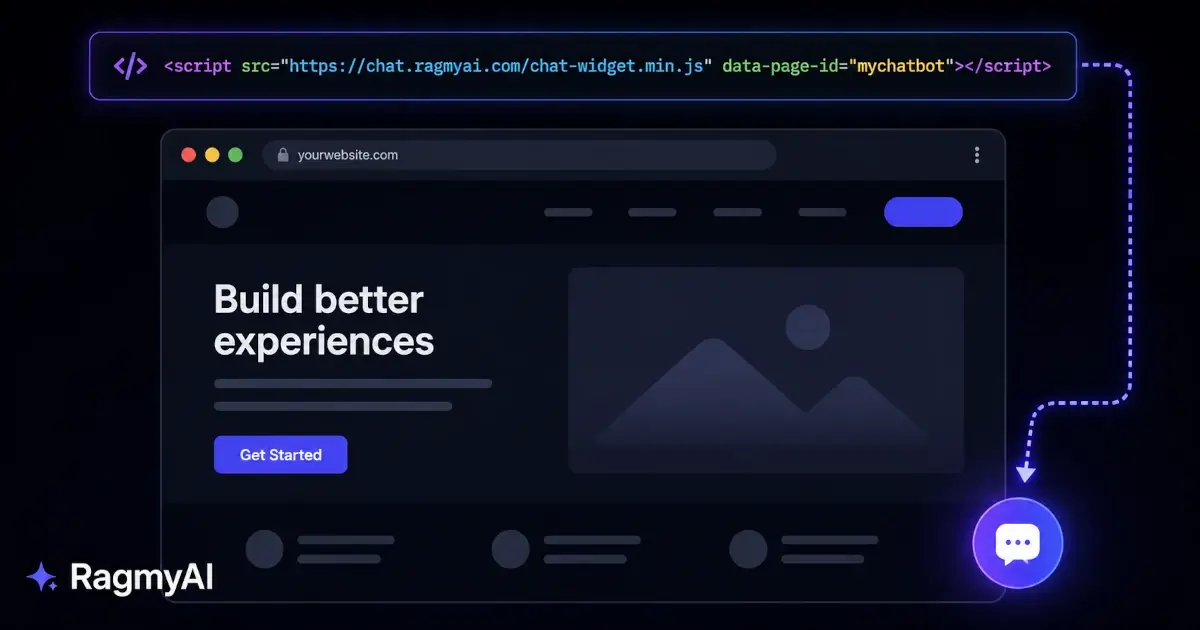
Every chatbot you build gets a public URL and an embed code. Paste one script tag before your site's </body> tag and a floating chat launcher appears. Prefer an iframe? That works too. It's compatible with WordPress, Shopify, Squarespace, Webflow, and any site that lets you add HTML. No plugin needed. See the full guide to embed a chatbot in your website free.
No message cap on the free plan
This is the biggest practical difference. RagmyAI's free plan has no monthly message limit. You can run a chatbot on a live site getting real traffic without hitting a wall and being forced to upgrade. Paid plans exist ($4.99–$49.99/month) and unlock higher-tier AI models and more storage, but the free plan is genuinely usable for real traffic.
Features Chatbase doesn't have
RagmyAI includes a few things that Chatbase simply doesn't offer:
Voice cloning. Record a 60-second voice sample and the AI speaks in your cloned voice during voice chat sessions. Useful for content creators, educators, or anyone who wants a more personal feel. Supports 78 languages.
Unlimited image generation. Text-to-image and image-to-image generation, free for all users, no watermark, no monthly quota. Chatbase has no image generation at all.
3D avatar. Take a selfie and generate a 3D avatar that mimics your face and voice movements during conversations.
Android app. RagmyAI has a native Android app alongside the web app.
How RagmyAI compares to Chatbase
| Feature | Chatbase | RagmyAI |
|---|---|---|
| Train on documents (PDF, DOCX, TXT) | ✓ | ✓ |
| Embed on website (script / iframe) | ✓ | ✓ |
| Free plan | ✓ (50 credits/mo cap) | ✓ (no cap) |
| No credit card to start | ✓ | ✓ |
| Voice cloning | ✗ | ✓ |
| AI image generation | ✗ | ✓ (unlimited, free) |
| Android app | ✗ | ✓ |
| Voice chat (78 languages) | Paid only ($150/mo+) | ✓ |
| 3D avatar | ✗ | ✓ |
When Chatbase is still the better choice
Chatbase has a more polished dashboard for managing multiple chatbots across a team. If you're running an agency or need fine-grained analytics per bot, Chatbase's paid plans are better suited for that. It also has more third-party integrations — Slack, WhatsApp, and Zapier — which matter if your workflow depends on those.
If you're a solo builder, a small business owner, or someone building a personal project, those things probably don't matter much. RagmyAI's free plan will cover the use case at zero cost.
How to switch from Chatbase to RagmyAI
The migration is straightforward. Export or re-download the documents you trained your Chatbase bot on, then upload them to RagmyAI. Training takes under a minute. Copy the new embed code and replace your old Chatbase script tag. The chatbot will be live on your site immediately.
The whole process takes about five minutes.